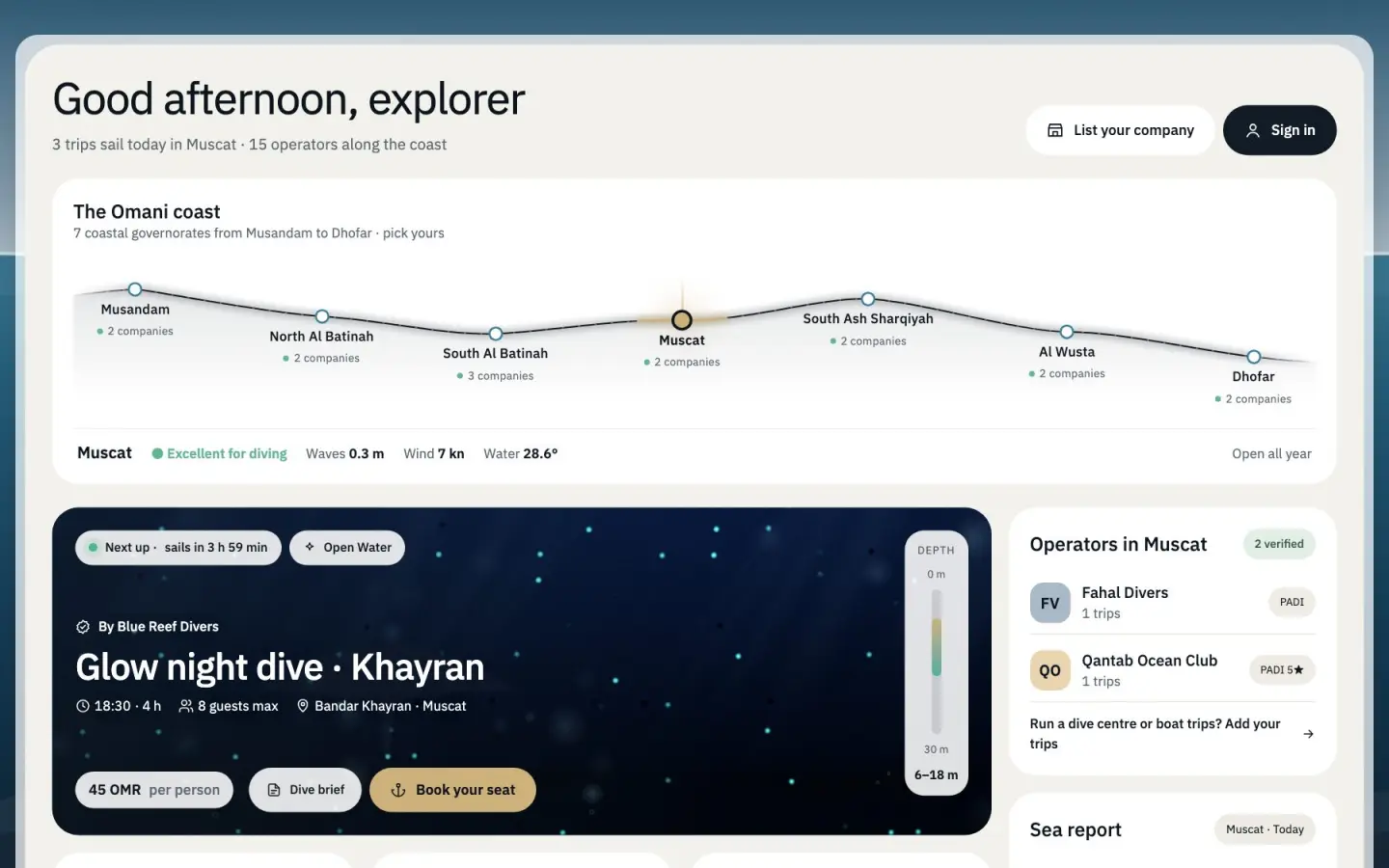
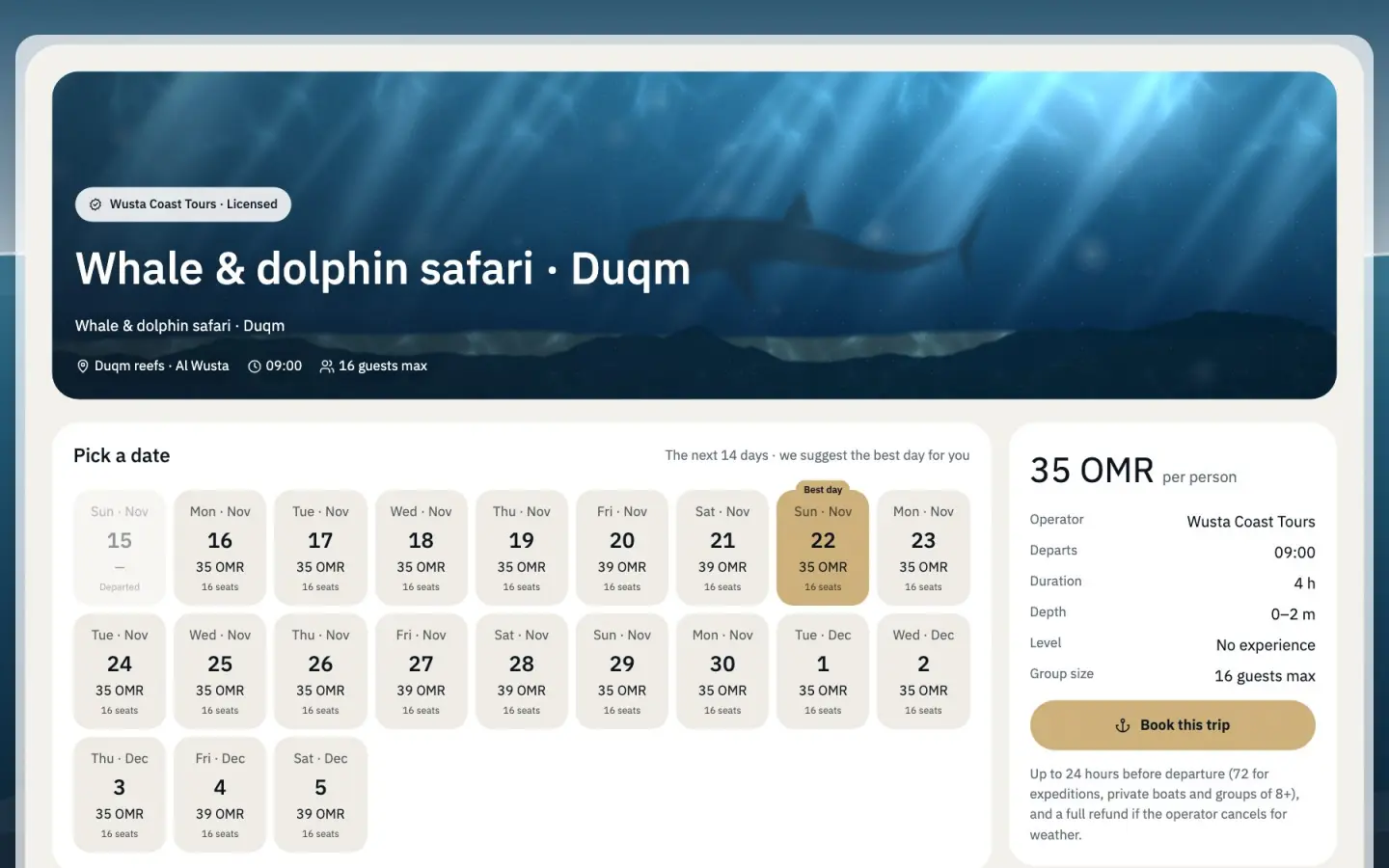
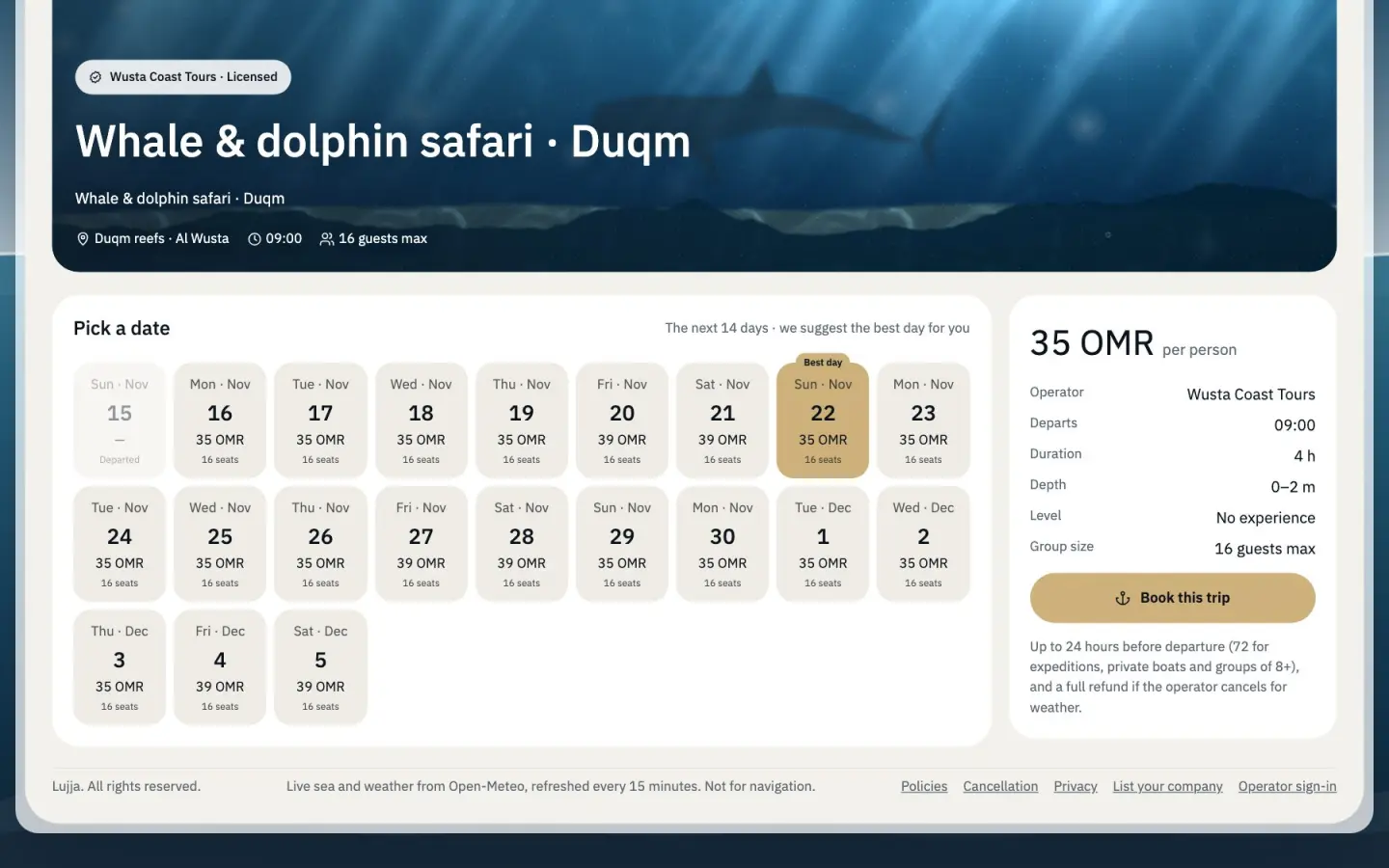
What Lujja is, who uses it and how to find your way around.
01
Module 1 · For: Everyone
What is Lujja?
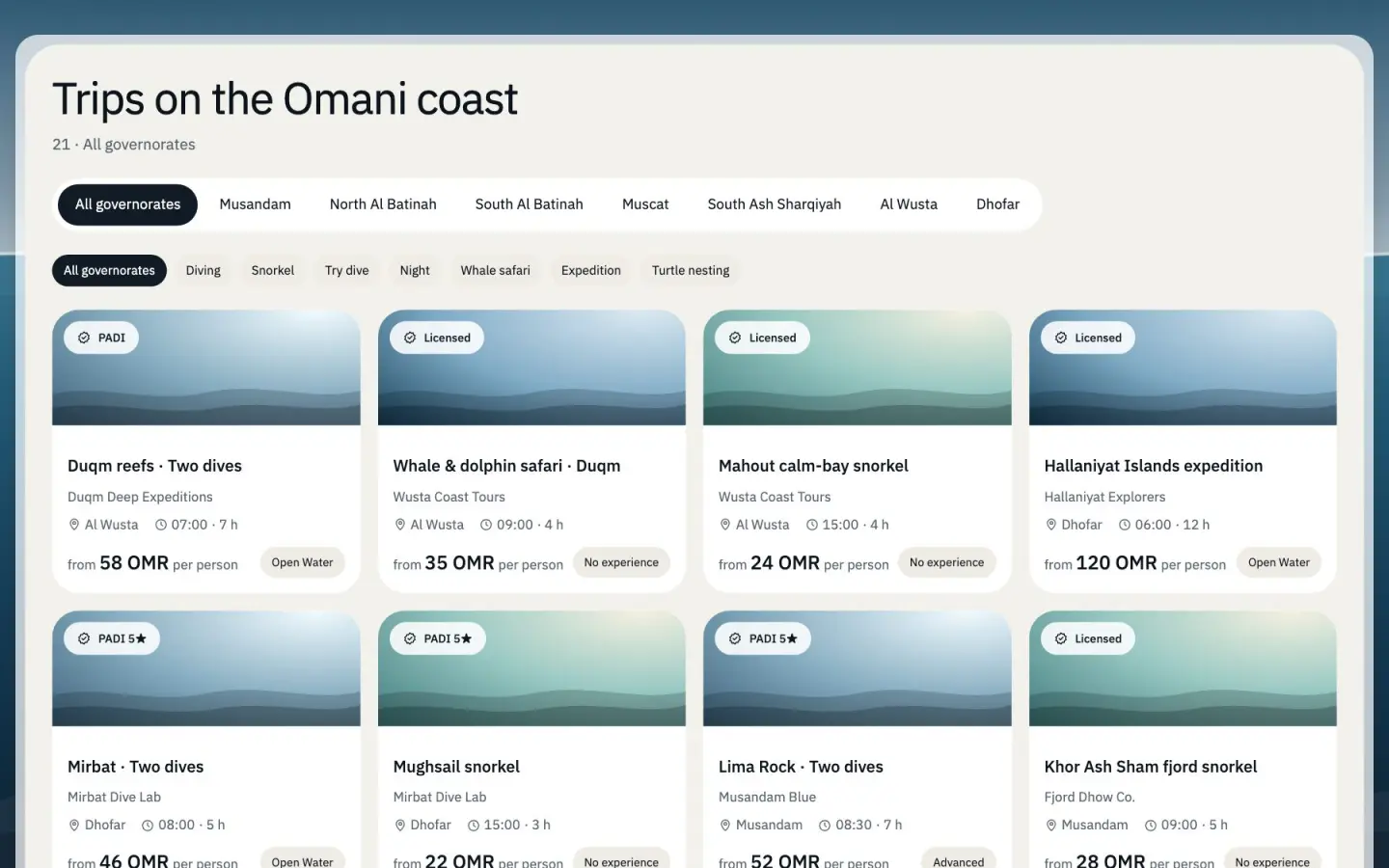
Lujja is one platform for every sea trip on Oman's coast: diving, snorkelling, first-time try-dives, whale and dolphin safaris, night trips, expeditions, turtle nesting and private boats, across the seven coastal governorates from Musandam to Dhofar. Book and pay safely, get a boarding pass, and follow your boat on the map on trip day.
Who uses Lujja?
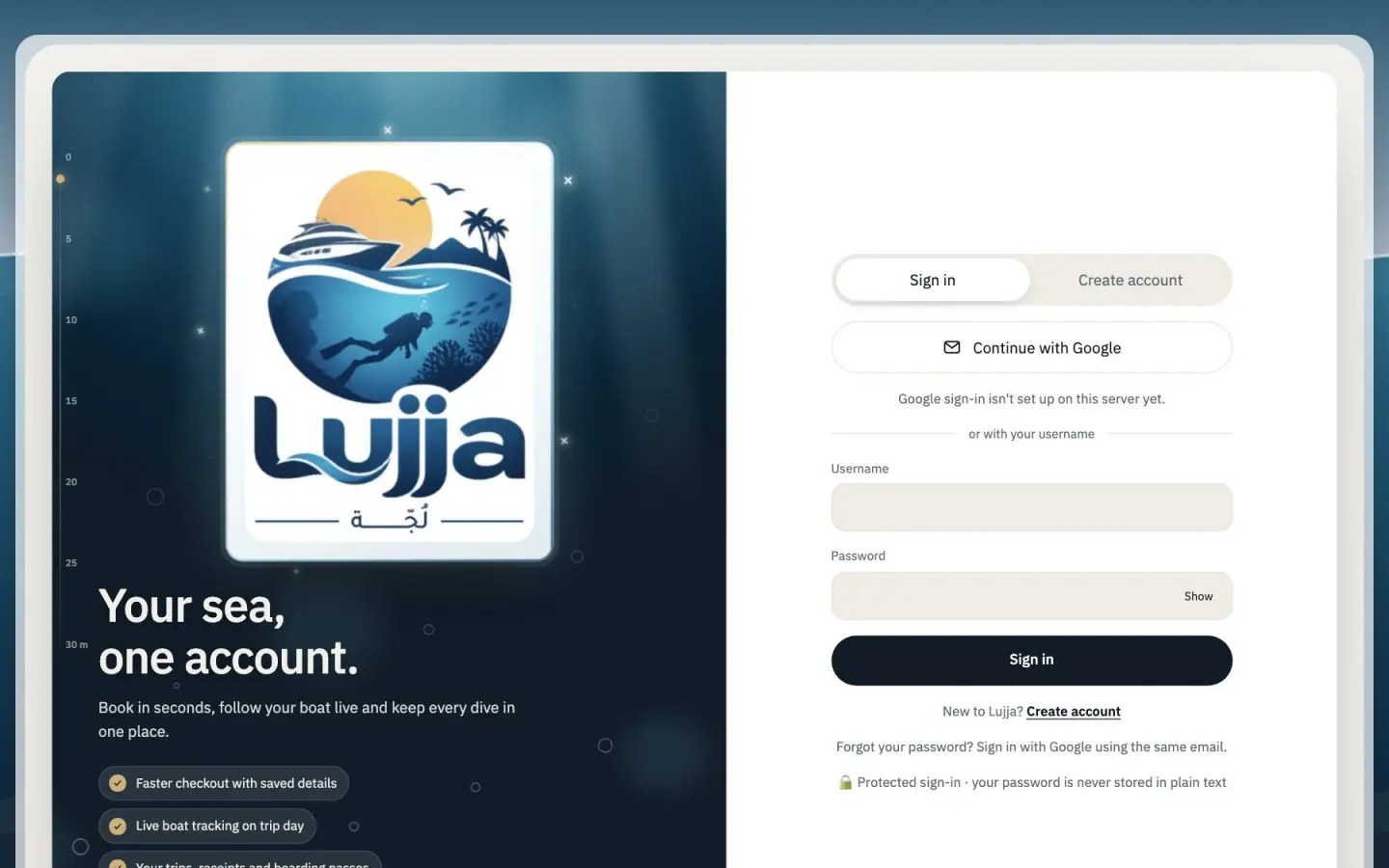
1Guests find, book, pay for and follow trips. A username and password account is enough, and you can also book without one.
2Marine companies list their trips, take bookings and run passengers and boats from the captain's deck.
3Captains pair the boat's phone so it sends its position during the trip.
4The platform admin reviews companies, bookings, payments and settings.
Your first visit
1A one-minute intro film plays once. Press Enter Lujja or Skip intro at any time, and Sound on for the music.
2Watch it again from the Watch the intro link at the bottom of any page.
Every page sits in the same frame, with the main menu and a fixed toolbar at the top.
lujja · /en
Home: greeting and the coast
Main menu
1Home: today's board. Trips: every trip. Sea & weather: weather and tides. Companies: the directory. Group trip: a voting list for your group with the agent crew.
The toolbar
1Search box: click it or press ⌘K (Ctrl+K on Windows), type a trip, company, governorate or page, then Enter.
2English / العربية: switches language on the same page.
3Sun: light theme. Clock: auto, switching at sunrise and sunset in Muscat (the time shown is Muscat time). Moon: dark theme.
4Bell: jumps to Smart alerts on the home page.
5Book: opens this guide.
6Four arrows: full screen; press again (or Esc) to exit. Hidden on iPhone Safari, which doesn't support it.
At the bottom of every page
1Links: Policies, Cancellation, Privacy, Platform guide, Watch the intro, List your company, Operator sign-in.
Your booking page is your boarding pass. Open it from the confirmation email or My account.
A signed-in or booked page — the steps below cover it in full.
Boarding pass
1Shows boat, date, boarding, departure, guests and a signed QR code.
2Add it to your phone wallet: Apple, Google or HUAWEI Wallet (once wallets are connected).
3At the pier, show the code to the crew; they scan it and you see "You boarded at …".
4Works offline: a screenshot of the code is enough.
Paying later
1If you reserved, the booking page shows Pay now securely and Pay by …
Cancelling and refunds
1Press Cancel booking: you see Free cancellation until … and how much you'd get back, before confirming.
2Rule: 100% refund up to 24 hours before.
3Expeditions, private boats and groups of 8+: 100% up to 72 hours, 50% up to 24 hours.
4Cancelled by the company or the weather: always a full refund. Refunds start within 5 working days.
09
Module 9 · For: Guests and their families
Trip day: live boat tracking
The captain's phone sends the boat's position, so you and your family see it on a live map.
A signed-in or booked page — the steps below cover it in full.
Opening tracking
1From My account press Live tracking, or open the tracking link the company sent.
2Before sailing: "Tracking starts when the boat leaves the harbour".
What you see
1Phase: heading to the site, at the site, returning, ended.
2Speed (knots), heading, distance to site or harbour, ETA and last update.
3If the signal drops at sea, the last known position is shown.
4Share live location: copy the link and send it to family.
10
Module 10 · For: Everyone
Sea and weather
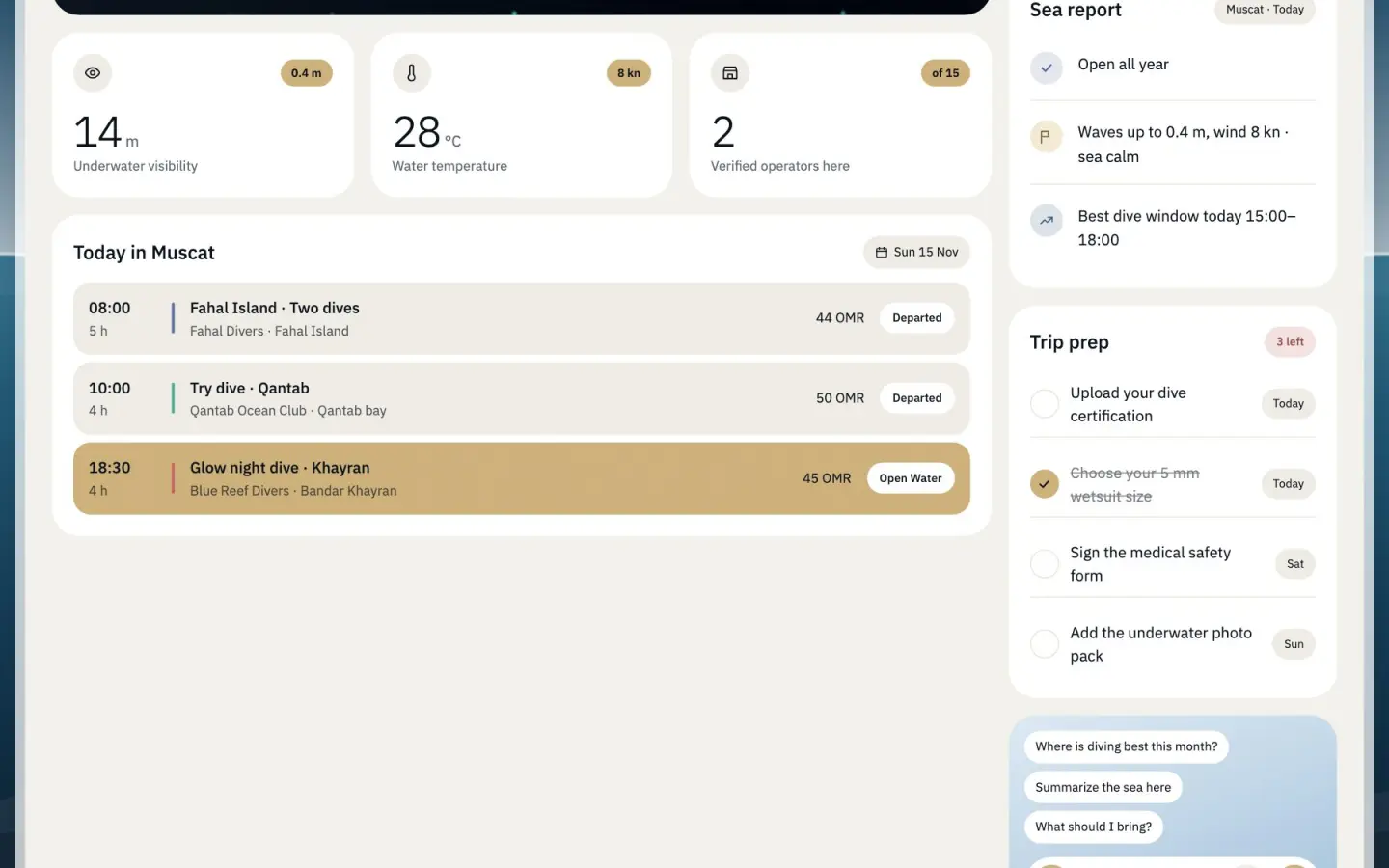
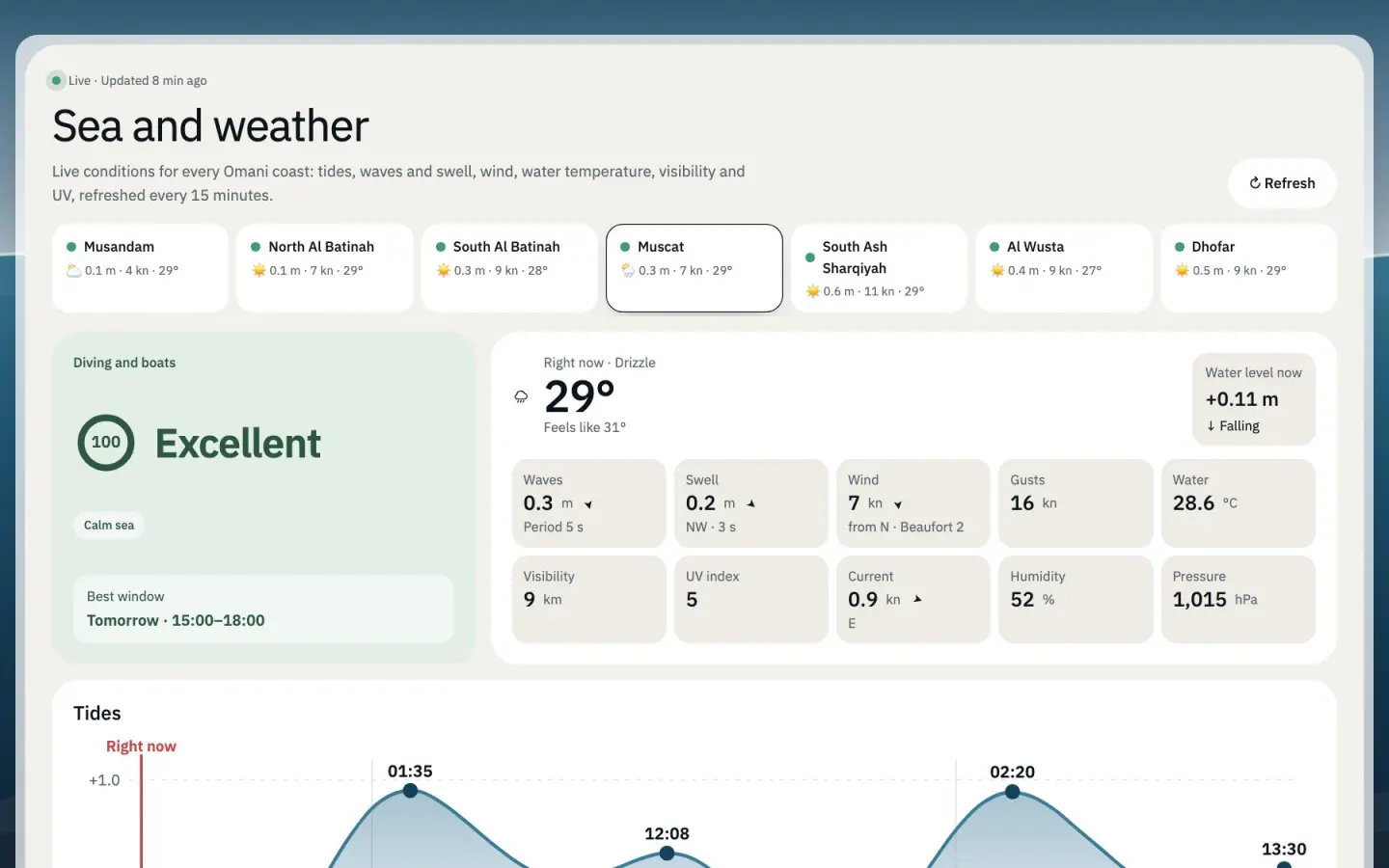
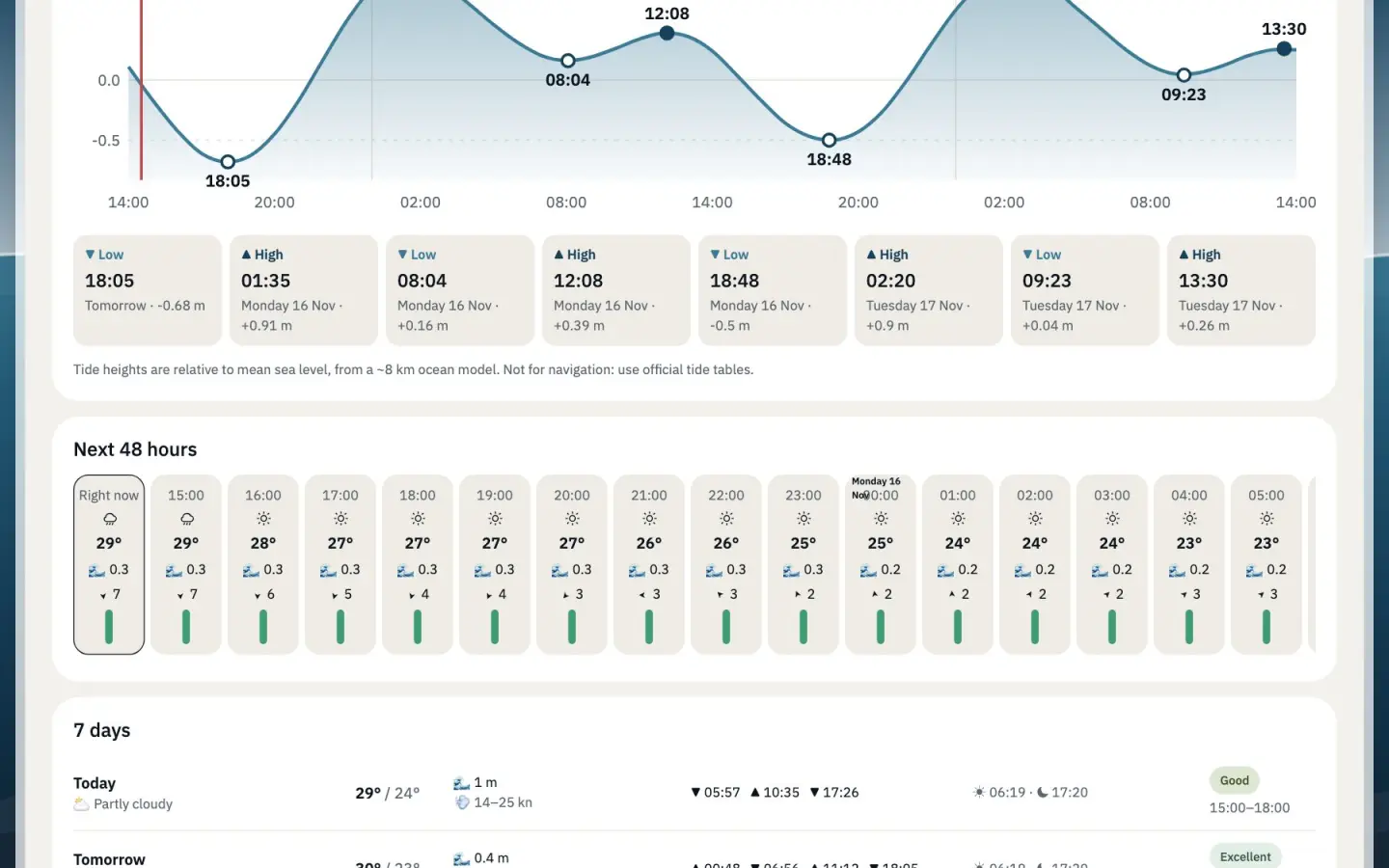
Live conditions for the whole coast, refreshed every 15 minutes, so you know if it's a sea day.
lujja · /en/sea
Sea page
lujja · /en/sea
Wave and outlook charts
Reading the page
1Pick the governorate at the top.
2Sea score with a verdict (excellent → stay ashore) and the reasons (calm sea, strong wind, low visibility…).
3The best time for diving and boats today.
4Figures: waves, swell, wind and gusts, water and air temperature, visibility, UV, current.
5Tides: water level now and the next high and low.
6Next 48 hours, 7 days, sun and moon, and alerts.
7Find trips in this governorate takes you to its trips.
Automatic closures
1Every 10 minutes official warnings and wave forecasts are checked: governorates close or reopen by themselves, companies are told, and no booking is taken on a closed day.
2During khareef (June–August) Dhofar's coast is closed to dive boats.
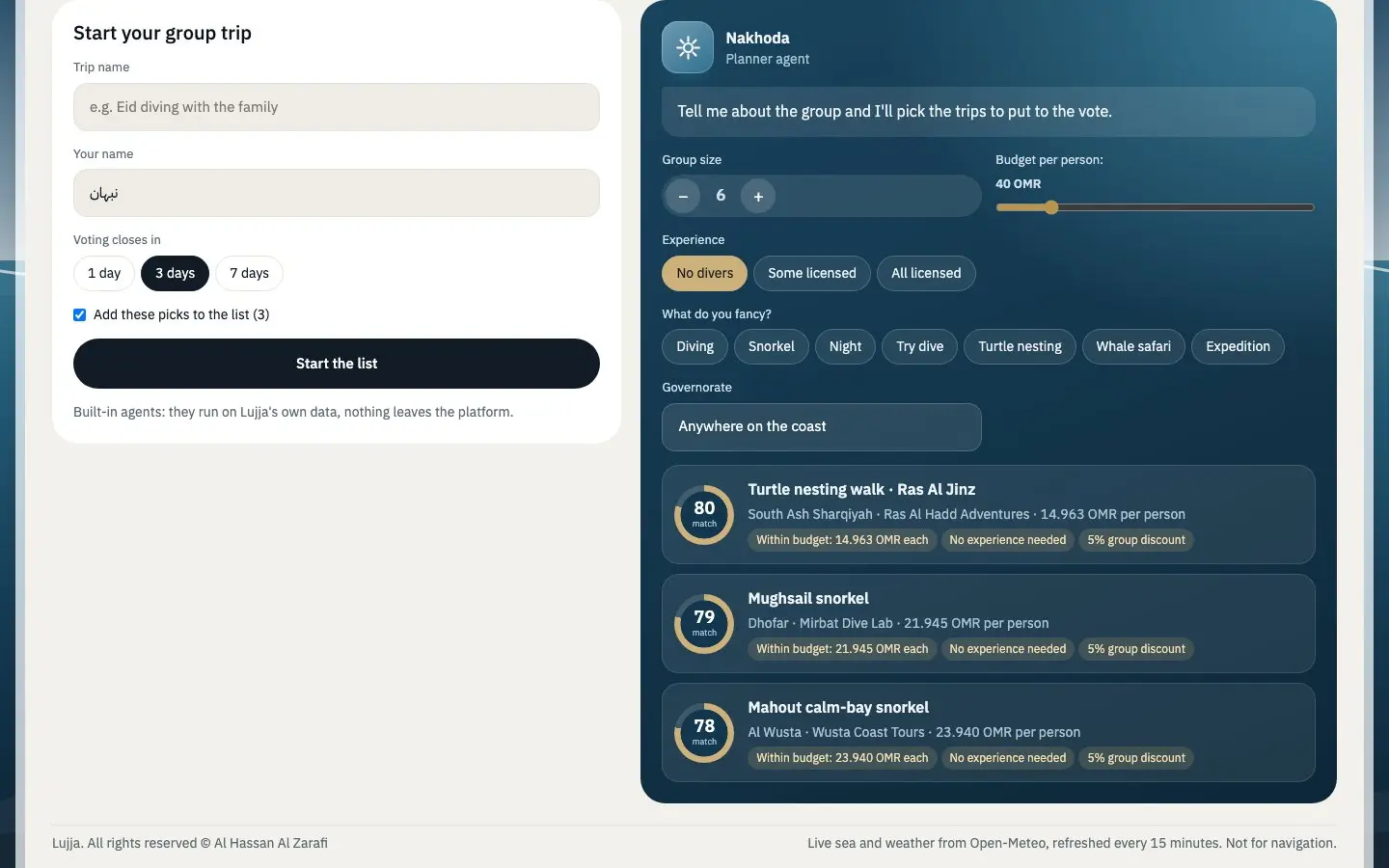
Where are the agents? On the Group trip page in the main menu. Nakhoda is on the start page; the other four appear on the group board after you press Start the list.
lujja · /en/wishlist
Starting with Nakhoda
lujja · /en/wishlist
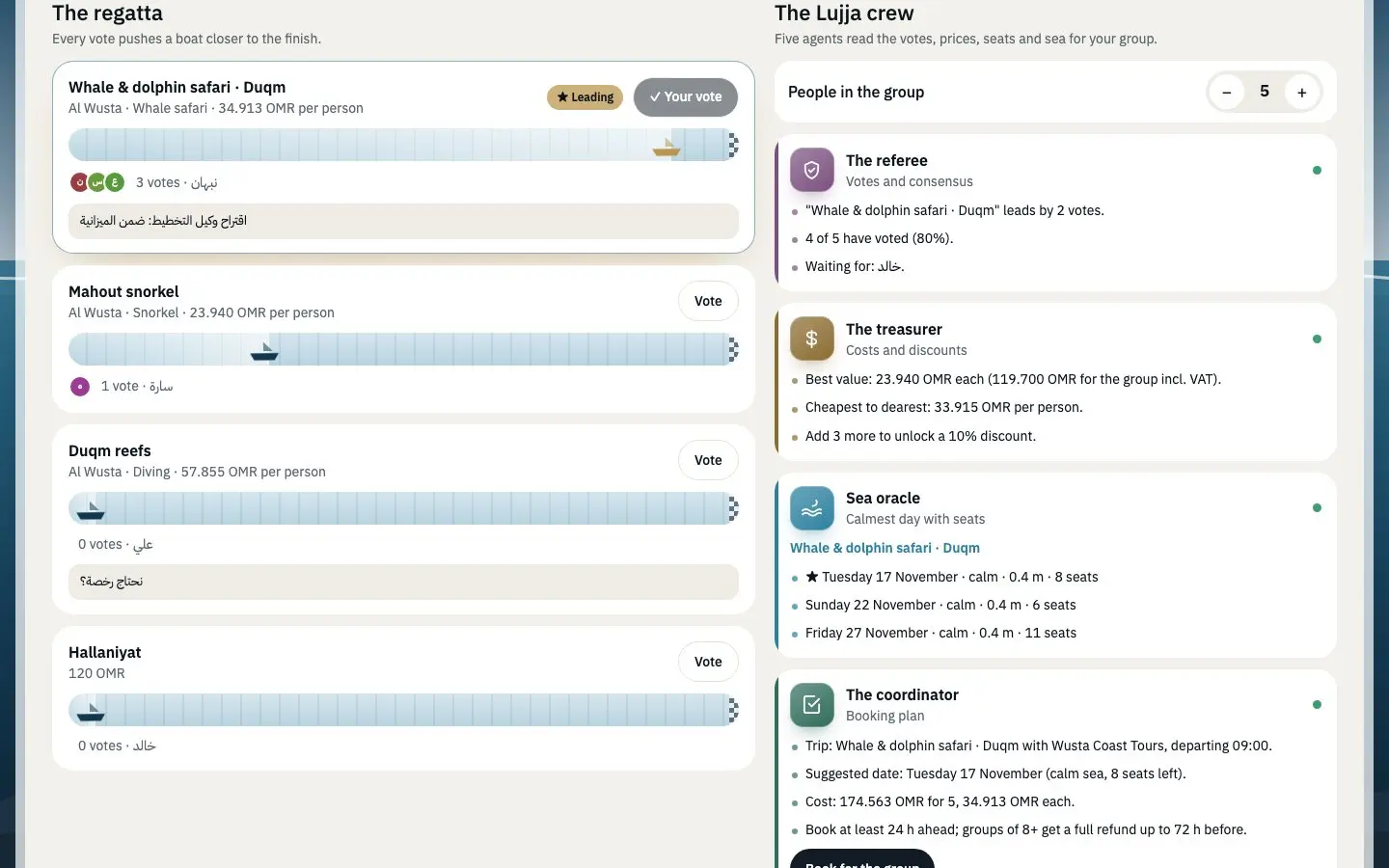
The regatta and the crew
1 · Plan with Nakhoda (the planner)
1Open Group trip. In the blue panel set group size (+/−), budget per person (slider), experience (no divers / some licensed / all licensed), what you fancy (one or more types) and governorate.
2It instantly suggests 3 trips, each with a match score in a gold ring and reasons: within budget, no experience needed, 5% group discount…
3It never suggests a licence-only trip for "no divers", or a boat too small for your group.
2 · Start the list and share it
1Enter a trip name and your name, and choose when voting closes: 1, 3 or 7 days.
2Keep Add these picks to the list ticked, then Start the list.
3On the board: Copy link, WhatsApp, or QR code for people nearby to scan.
3 · Voting: the regatta
1Everyone types a name in "Your name to vote" and presses Save.
2Each trip has a lane and a boat; press Vote and its boat moves toward the finish. One vote per person, changeable by voting for another trip.
3The leader shows ★ Leading. On board lists everyone; those who haven't voted are faded.
4The board refreshes every 10 seconds.
4 · The Lujja crew (on the board)
1Set people in the group above the crew; every figure follows it.
2The referee: who leads and by how much, turnout, who you're waiting for, and when you can book.
3The treasurer: best value per person and group total incl. VAT, the cheapest-to-dearest gap, how many more for a bigger discount, and trips that can't fit.
4The sea oracle: reads 14 days for the leading trip and picks the 3 calmest days with seats for everyone.
5The coordinator: the full plan (trip, suggested date, cost, licence note, cancellation) and Book for the group.
5 · Ask the crew and add trips
1Ask the crew: type a question like "what's the cost each?", "when is the sea calm?" or "who's leading?" and the right agent answers.
2Add a trip: search and pick one, add an optional note, then Add to the list. Or Planner's pick for us to choose one that fits the group.
FAQ
I can't see the referee or treasurer?
They're on the group board. Start a list first on the Group trip page.
 lujja